MrFX
Members
-
Joined
-
Last visited
-
Masterpiece Megs Upgrade Kit
 Wow, watch out for your MP Megatron getting cosmic rust~ (seriously, that thing needs maintance... ) anyways, found Movie Thundercracker and Rescue (G1 repaint) Ratchet this week~ Actually, I already buffed out the "rust" and he looks as good as new. Good looking out, though.I found Movie 77' BumbleBee and got a new comp monitor!
 YES!Picked up Brawl for myself and Snake Eyes w/ the black Timber for a friend.Went ahead and picked this guy up from Target. They also had 4 Titaniums: Starscream, Fallen, Ultra Magnus, and WW Megatron. Left them behind, since I wasn't really interested.I was having my car repaired this morning, so I decided to get out and about while I was waiting. Good thing I did! Walmart: Ironhide, Rescue Ratchet, and THUNDERCRACKER! Big Lots: Contructicon Set, Smaller Contructicon Set, Knock-off Prowl Target: Dropkick and a Concept BB for a friendWal-Mart and TRU are putting ALL the TF toys they can find out on the shelves. Look what I got from TRU and Target. A HUGE FU to the Scalpers out there. I thought I'd never see another Cyb Soundwave on the shelves again! What's the DCPI # for THundercracker?My latest acquisition has a little message --
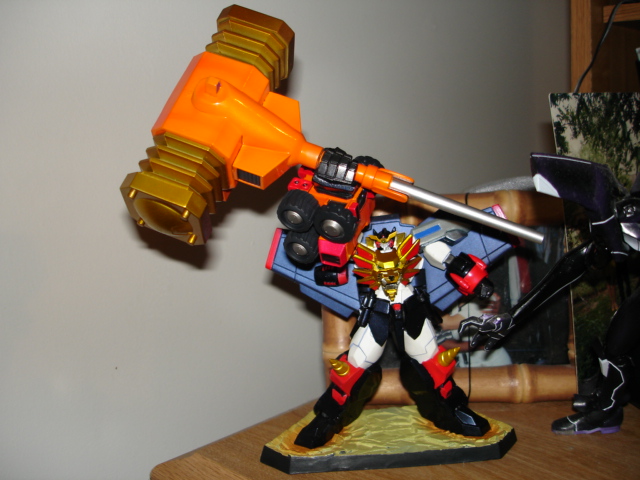
 - Alt Rodimus from SDCC - 300 and Guess Who? on DVDGGG with Goldion Hammer
 Got this last Saturday. :clap

 Nemesis Prime, $55 shipped.